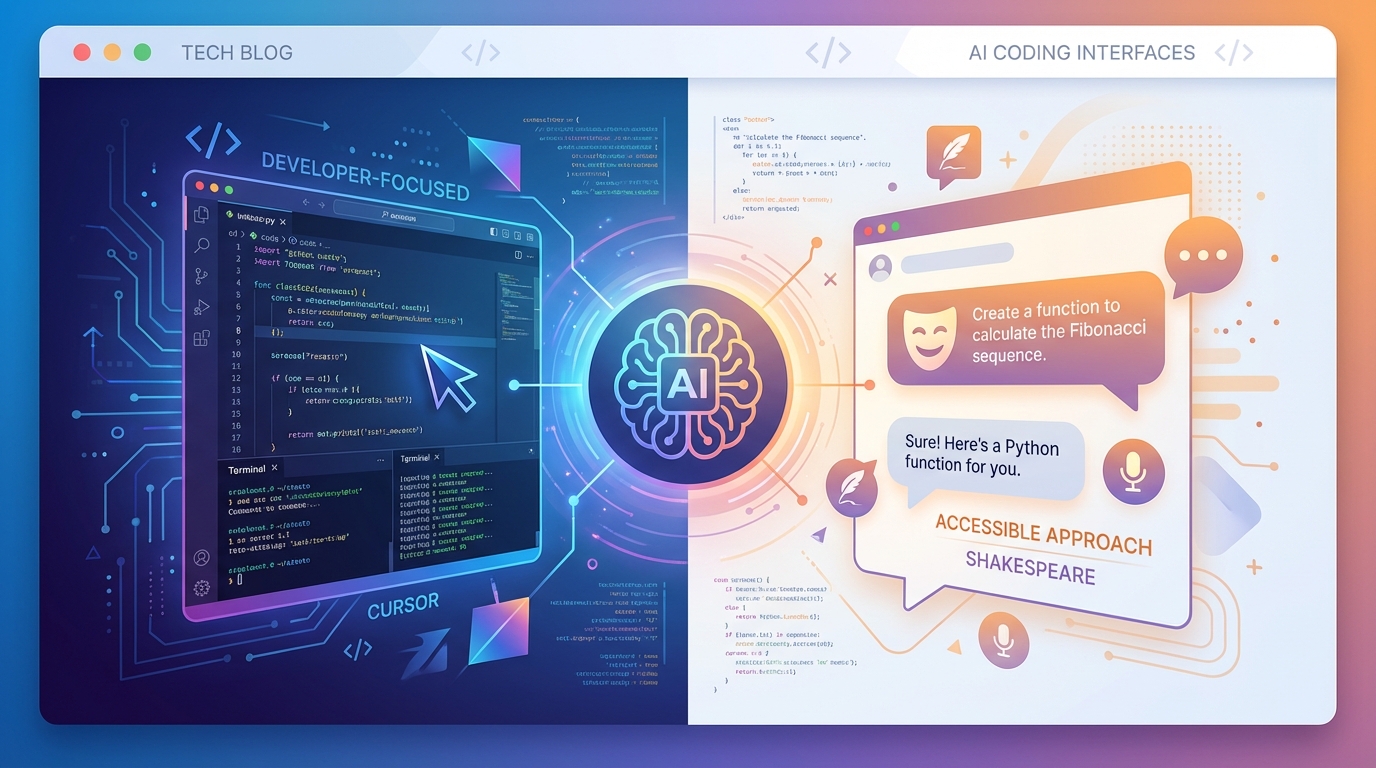
Shakespeare vs. Cursor
Comparing Shakespeare to Cursor. Cursor is a solid code editor for professional developers, but what if you're not a professional developer? Or what if you want more control over your privacy, payments, and AI providers?
If you're exploring AI-assisted development tools, you've probably heard of Cursor. It's a solid code editor for professional developers who want AI help while coding. But what if you're not a professional developer? Or what if you want more control over your privacy, payments, and AI providers?
Shakespeare was built for exactly this. Whether you're a seasoned dev or someone who's never touched code, Shakespeare gives you the freedom to build websites and apps through simple conversation with AI. We dug into Cursor's documentation, terms of service, and privacy policies to see how it stacks up.
If you're merely looking for truly open source AI and want a shortcut, visit our Really Open AI site.
Shakespeare vs. Cursor: Code Ownership
You own your code with both tools. Cursor's Terms of Service confirm this, and Shakespeare takes the same approach. Your code belongs to you, full stop.
Shakespeare vs. Cursor: Pricing
Cursor offers a free Hobby tier, but it's significantly limited. For full functionality, you'll need Pro ($20/mo), Pro+ ($60/mo), or Ultra ($200/mo). Teams start at $40/user/mo.
Shakespeare works differently. Bring your own API key, connect a free model on OpenRouter, or run a local LLM and you get full functionality for free. If you want to purchase credits, you only pay for what you use. No subscriptions required.
Cursor Pricing
- Hobby: Free (limited)
- Pro: $20/month
- Pro+: $60/month
- Ultra: $200/month
- Teams: $40/user/month
Shakespeare Pricing
- Free with BYOK or local LLM
- Pay-per-use credits
- No subscriptions required
Shakespeare vs. Cursor: Payment Options
Cursor
- Credit cards
- Cash App Pay
- Bank accounts
- Alipay
- No Bitcoin
Shakespeare
- Credit cards
- Bitcoin payments
We allow you to pay using Bitcoin so you can pay for AI credits without linking your identity to your payment.
Shakespeare vs. Cursor: AI Provider Choice
Both tools let you connect to models from OpenAI, Anthropic, Google, and others. Both support bringing your own API keys. Shakespeare adds increased privacy through Maple AI, which uses end-to-end encryption. You're not locked into any single ecosystem.
Learn More About AI in Shakespeare
Shakespeare vs. Cursor: Local LLM Support
Cursor doesn't natively support local LLMs. Workarounds exist, but setup is technical and uses tunneling, like ngrok. A non-technical user will need help to set this up with Cursor. But if you're already skilled enough to set up a local LLM, you should be able to figure out how to run a local LLM with Cursor.
Shakespeare supports local LLMs through Ollama with straightforward configuration. No tunneling required. You can also run everything fully offline.
Get Started with Local AI
To get started with local LLMs in Shakespeare, check out our quick guide:
Using Local AI Models with ShakespeareShakespeare vs. Cursor: Import, Export, and Git
Both tools connect to GitHub and GitLab. Cursor imports from VS Code; Shakespeare imports from Git repos or ZIP files. The difference: Shakespeare doesn't assume you already know Git. It guides you through version control, and you can create pull requests without leaving the app.
Learn More About Git in Shakespeare
Shakespeare vs. Cursor: Deployment
You can deploy what you build in Cursor by using third-party hosting services like Vercel or Netlify. It works with any deployment provider that has a command line interface (CLI) or that offers CI/CD integration.
Shakespeare deploys for free from in-app using a free .wtf domain. Every project gets a public URL the moment you create it. No configuration, no waiting.
Shakespeare Deployment Options
Shakespeare vs. Cursor: Nostr Support
Cursor has no built-in Nostr integration while Shakespeare is built on Nostr. Shakespeare intuitively builds on Nostr with its knowledge of NIPs, kinds, and handling relays. Cursor doesn't have that knowledge built in, so you'll have to consult an MCP.
Shakespeare vs. Cursor: Project Privacy
Cursor's Privacy Mode is available to all users but must be manually enabled. When it's off, Cursor may use your code to train models, and third-party providers may access your data. If you created your account after October 15, 2025, your prompts may also be shared with model providers. About half of Cursor users have Privacy Mode enabled.
Cursor Privacy
- Privacy Mode off by default
- May train on your code
- Prompts may be shared
Shakespeare Privacy
- Privacy always on
- Never train on your projects
- Never read your chats
Shakespeare's approach is simpler: privacy is always on. Your code stays yours. We don't train on your projects. We don't read your chats. There's no toggle because privacy isn't optional.
Shakespeare vs. Cursor: The Bottom Line
Cursor is a capable tool for professional developers comfortable with code editors and managing their own infrastructure. Shakespeare is for everyone, regardless of skill level. It's for developers who want more freedom as well as creators who've never written code. Anyone who wants to build without complexity, subscriptions, or privacy trade-offs.
Ready to build?
Try Shakespeare and experience the freedom of building without complexity, subscriptions, or privacy trade-offs.
Related Reading
Soapbox is funded by grants and donations, not ads or data sales.
Everything we build is open source and belongs to the community. Help us keep it that way.